
Mobile Access Guide
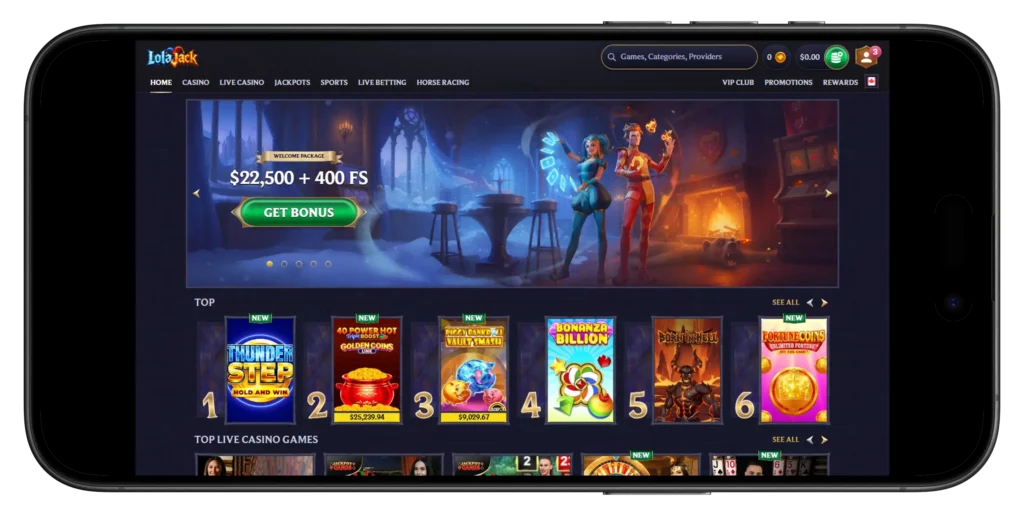
Alright, straight up. Nobody wants to hunt through an app store, get told the app doesn’t exist in their region, then rage-quit and open the laptop instead. Good news – none of that here. The whole platform runs in your phone browser. That’s it. iPhone, Android, tablet, whatever – if it opens web pages, it opens the casino. Same games, same sportsbook, same cashier, same login. And no, there isn’t a native app to download… which, honestly, is fine. Let me walk you through it.
Using the Platform on a Smartphone
Right. So you’ve got your phone in hand. What now?
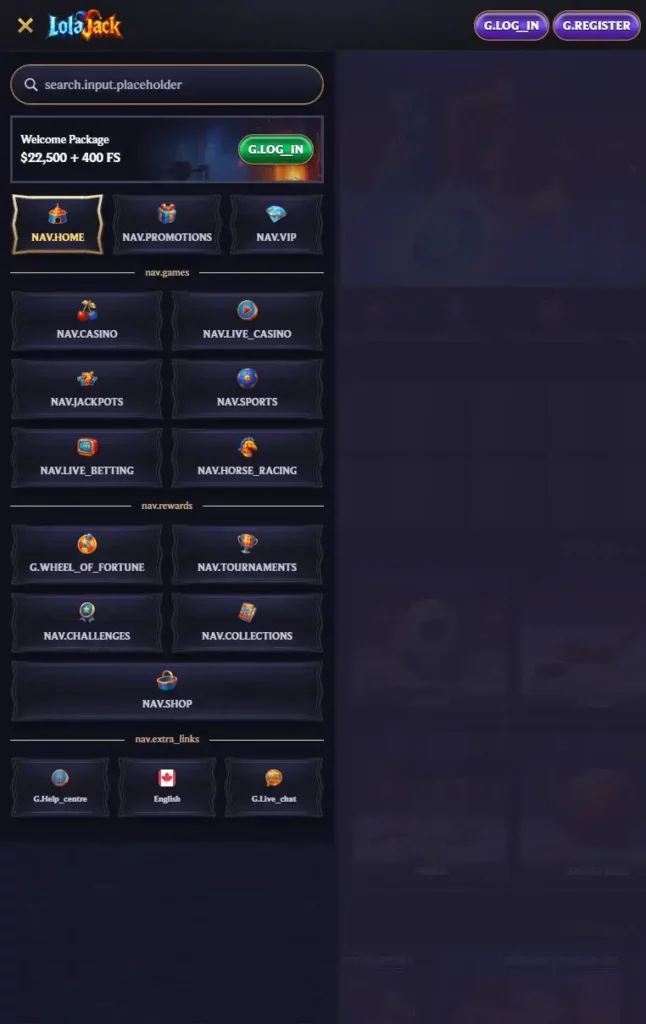
You open a browser. Safari if you’re on iPhone, Chrome if you’re on Android – or whatever you already prefer, really. Punch in the site URL, wait a second, and there it is. Login button sits in the top-right corner. On smaller screens it might be tucked behind that three-line burger icon – you know the one.
Once you’re signed in, it’s basically the desktop site… just rearranged for your thumb. Menus collapse nicely, buttons are big enough to tap without squinting, and games launch in whichever orientation they were built for. iPhone and Android behave the same, by the way. It’s all HTML5 running in your browser, so there’s no “works on Android but broken on iOS” nonsense to worry about.
Here’s the cold-start routine if you’re totally new:
- Open your mobile browser.
- Type in the site address, hit Go.
- Tap “Login” (or “Register” if you haven’t signed up yet).
- Enter your details and submit.
- Pick your section – Casino, Live, Sports, Promotions, whatever you’re after.
Boring but important – set a deposit limit before you start spinning. Takes ten seconds, saves regret.
Grab a session from your phone when the mood strikes.
Browser Access and Supported Devices
The best bit about running in the browser? Compatibility is basically “yes.” Old Android from four years back? Runs fine. Latest iPad? Runs fine. Chromebook, Windows laptop, MacBook – all fine. There’s no minimum OS version, no storage requirement, no install prompt begging for permissions you didn’t want to grant. All you need is a decent internet connection and a browser that’s been updated in the last couple of years.
If your device passes those two tests, you’re in.
Take a peek at what plays nice:
| Device | How You Get In | What You’ll Find |
| iPhone / iPad | Safari, Chrome, Firefox, Edge | Full casino, live, sports, cashier |
| Android phone / tablet | Chrome, Firefox, Samsung Internet, Edge | Full casino, live, sports, cashier |
| Windows laptop / PC | Chrome, Edge, Firefox, Opera | Full experience, bigger screen |
| macOS laptop / iMac | Safari, Chrome, Firefox | Full experience, bigger screen |
| Any tablet | Native mobile browser | Full mobile layout, roomier taps |
Why is browser-based actually a good thing? Few reasons. No storage overhead – your phone stays lean. Updates land instantly, no waiting on app store approvals. One account works everywhere, no re-installing when you switch device. And here’s the sneaky one – real-money iGaming apps get pulled from the App Store and Play Store all the time. A website just… doesn’t have that problem.
Bookmark the URL in your browser and you’re set for next time.
Adding a Shortcut to the Home Screen
You want an icon on your home screen that opens the site in one tap. Totally fair. Both iOS and Android let you save any website as a shortcut – it looks like an app, launches like an app, but underneath it’s still just your browser opening the page. Fine distinction, doesn’t matter in practice.
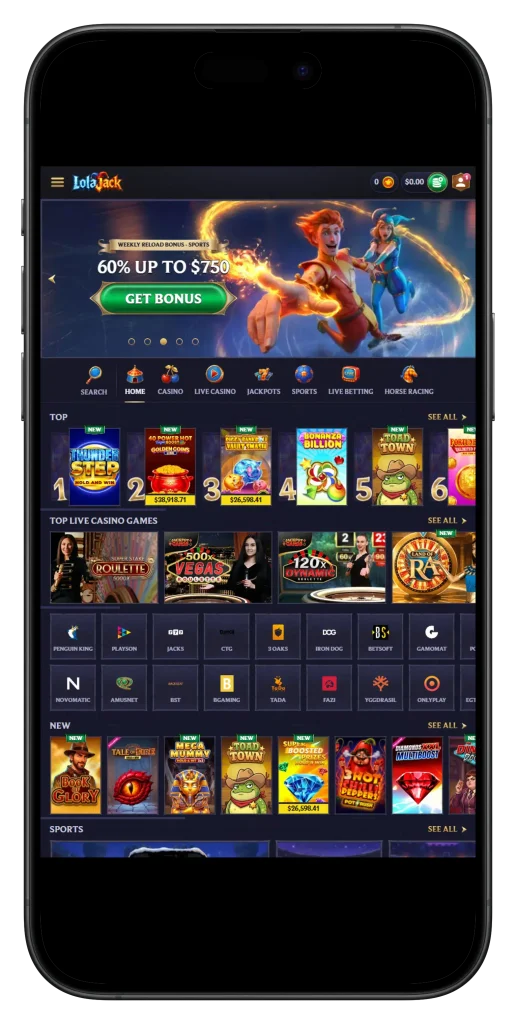
On iPhone or iPad: open the site in Safari, tap the Share button (that little square with the arrow going up), scroll down the menu and tap “Add to Home Screen”. Rename it if you feel like it, hit “Add”, and the icon appears next to your regular apps.
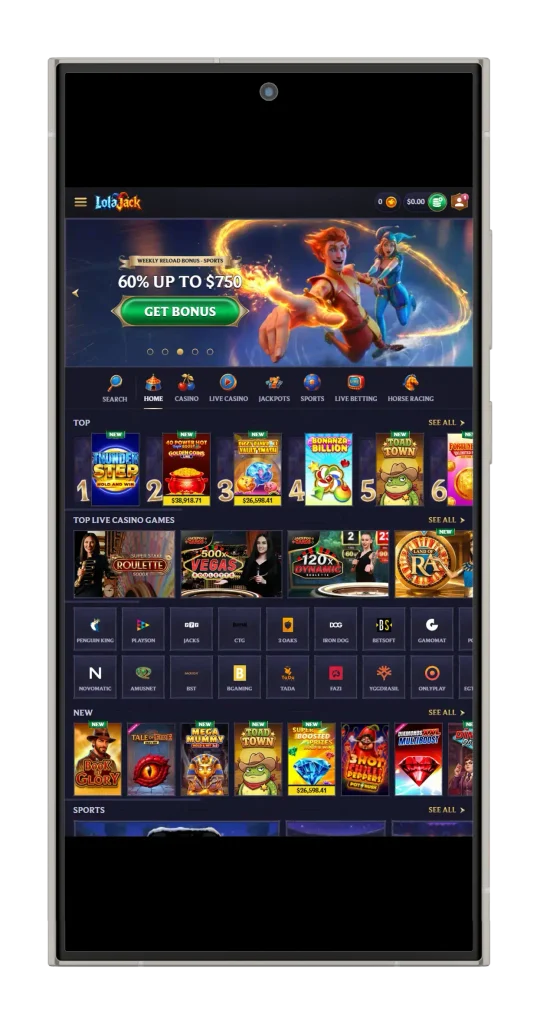
On Android: open the site in Chrome, tap the three-dot menu top-right, choose “Add to Home screen” (Chrome sometimes calls it “Install app” – either way, same thing). Confirm the name, done.
Quick heads-up though. This isn’t a real installed app. No push notifications. No offline mode. No access to phone hardware beyond what a browser tab normally does. For “tap and go” purposes, it’s identical. For anything fancier – it’s still just a bookmark.
Add the icon once, and it stays put until you drag it into the trash.
Available Features on Mobile
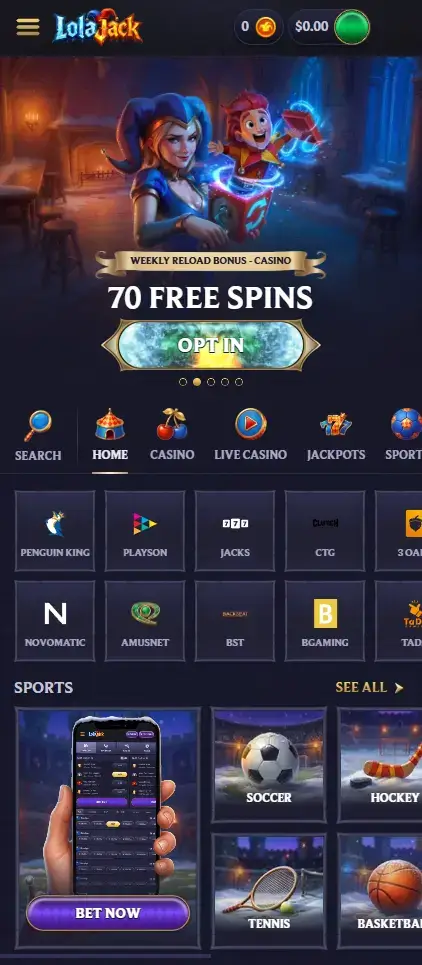
Here’s where I need to give the platform a bit of credit. A lot of “mobile sites” strip stuff out. Sportsbook shows less markets. Live dealer gets cut. Cashier is missing half the payment methods. Nope – not the case here. Whatever’s on desktop is on mobile too. Just resized.
Full rundown of what works on your phone:
- Casino games – thousands of slots, jackpots, table games, and instant/arcade titles from Pragmatic, Playtech, Novomatic, Hacksaw, BGaming, 3 Oaks, Betsoft, Yggdrasil, Spinomenal, Amusnet and plenty more.
- Live Casino – real dealers, real cards, real wheels – Roulette, Blackjack, Baccarat, Poker, Game Shows, plus Gold Saloon and International Tables.
- Sportsbook – soccer, tennis, hockey, basketball, baseball, table tennis, American football, volleyball.
- Live Betting – in-play markets that shift as the match goes, cash-out on many events.
- Horse Racing – its own section, separate from the main sportsbook.
- Jackpots – Hot, Lucky, Daily, Drops & Wins – and yes, some of these pots run into the millions.
- Cashier – Interac, Visa, MasterCard, Skrill, Neteller, USDT, BTC, ETH, LTC, and the rest of the crypto stack.
- Promotions – welcome package, reloads, cashback offers – opt in straight from the mobile Promotions page.
- VIP and rewards – 25-tier VIP tracker, Wheel of Fortune (150 CAD wagered = 1 spin, capped at 3 per day), Tournaments, Challenges, Coin Shop.
- Support – live chat and Help Centre one tap away, in English plus a bunch of other languages.
Sign up, verify your account, opt into a bonus, request a withdrawal – it all works fine from your phone. Honestly, if you play in short bursts, mobile is where you’ll spend most of your time anyway.
Open the lobby and go find something worth playing.
Troubleshooting Mobile Access
Look, browsers are browsers. Every so often things break, and you’re staring at a spinning wheel wondering what went wrong. Deep breath. It’s usually nothing serious.
The classic culprit? Your connection. Wi-Fi dropped out, mobile data has one bar, or you’ve wandered into a building that eats signal for lunch. First move is always the same – refresh. If refresh doesn’t fix it, swap networks. Wi-Fi to mobile data, mobile data to Wi-Fi. See if that changes anything.
Login not working? Nine times out of ten it’s autocorrect. Mobile keyboards love to “help” with passwords in ways nobody asked for. Turn autocorrect off for the password field, or just use the “Forgot Password” link and reset it properly. Also – obvious but people forget – double-check the URL. Phishing sites exist and they’re getting cleverer.
Here’s a cheat sheet for the usual annoyances:
- Page won’t load – refresh, swap networks, try a different browser, restart the phone if it’s really stuck.
- Login fails – kill autocorrect, use “Forgot Password”, verify URL letter by letter.
- Games freeze mid-spin – close and reopen the game, clear browser cache if it keeps happening.
- Live dealer stream buffers – move closer to the router, shut background apps hogging bandwidth.
- “Outdated browser” warning – update via App Store or Play Store; old versions miss modern HTML5 features.
- Pop-ups blocked – allow them for the site; payment confirmations and KYC uploads often open in new windows.
- Deposit rejected – re-check card details, contact your card issuer if 3D Secure flagged it, try Interac or crypto instead.
- Withdrawal taking forever – make sure KYC is done; standard processing is up to 3 business days, bank transfers add another 3-5 on top.
- Bonus didn’t credit – did you opt in BEFORE depositing? Welcome bonus is strict on that one.
If none of that shifts things, live chat is your fastest bet – real people, not a bot, usually respond quickly.
One thing before you go. Mobile is genuinely convenient – which is exactly why it’s easy to keep playing longer than you meant. Set your limits before the session, not during it. Take breaks. Treat it as entertainment budget, not a way to top up your bank account. 18+ only, and if you’re in Canada, do a quick check on your provincial rules for offshore operators before making bigger deposits.
Ping live chat if the basics don’t sort things out.